

Turn any photo into a painting.
Brushstroke paints your photos and videos, stroke by stroke, in one tap — on iPhone, iPad, and Mac.
How photo to painting works.
You don’t need brushes, and you don’t need lessons. A photo to painting app studies your picture — its light, its color, its shapes — and repaints it stroke by stroke in the style you choose. Brushstroke does it in one tap, right on your device, and leaves every artistic decision to you. Three steps stand between your photo and a painting.
1. Pick a photo
Start with any photo in your library — a portrait, a landscape, your dog. Videos work too. The moment you pick one, the painting begins.
2. Choose a style
Browse over 90 painting styles and watch your photo repainted in each one. Set the mood with 70+ color palettes and choose from 30+ 3D-modeled canvases.
3. Make it yours
Adjust light, color, and detail, then sign your work. Share it with the world, or print it on canvas and hang it on your wall.
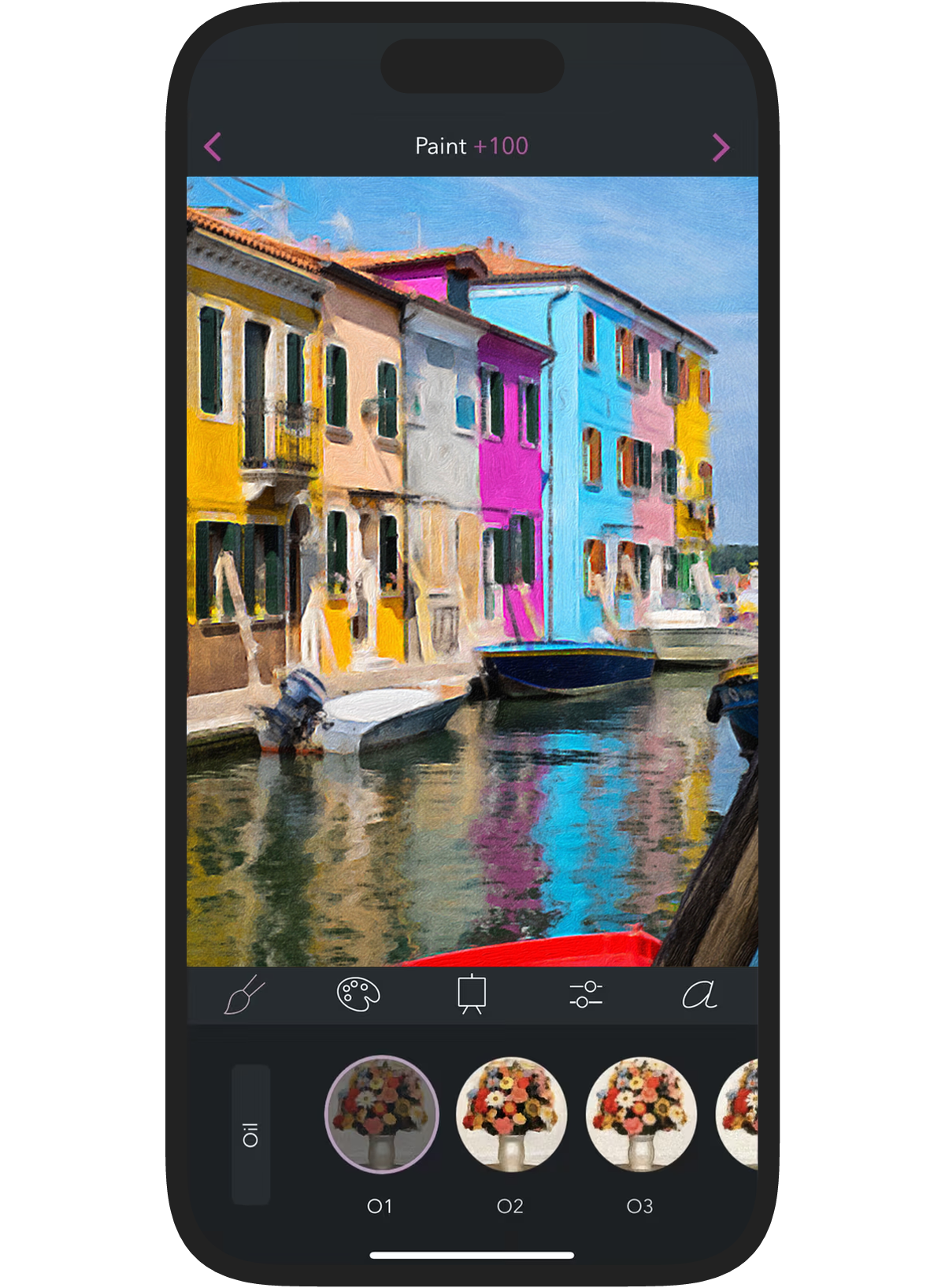
One tap. A painting.
Brushstroke is the photo to painting app that transforms your photos into beautiful paintings in one touch. There’s nothing to learn and nothing to set up: pick a photo, tap a style, and watch the strokes appear. It’s free to download, with a free trial, so you can paint your own photos before you decide.

Also available: Brushstroke Pro for Mac and iPad, with high-resolution output, projects, and more.
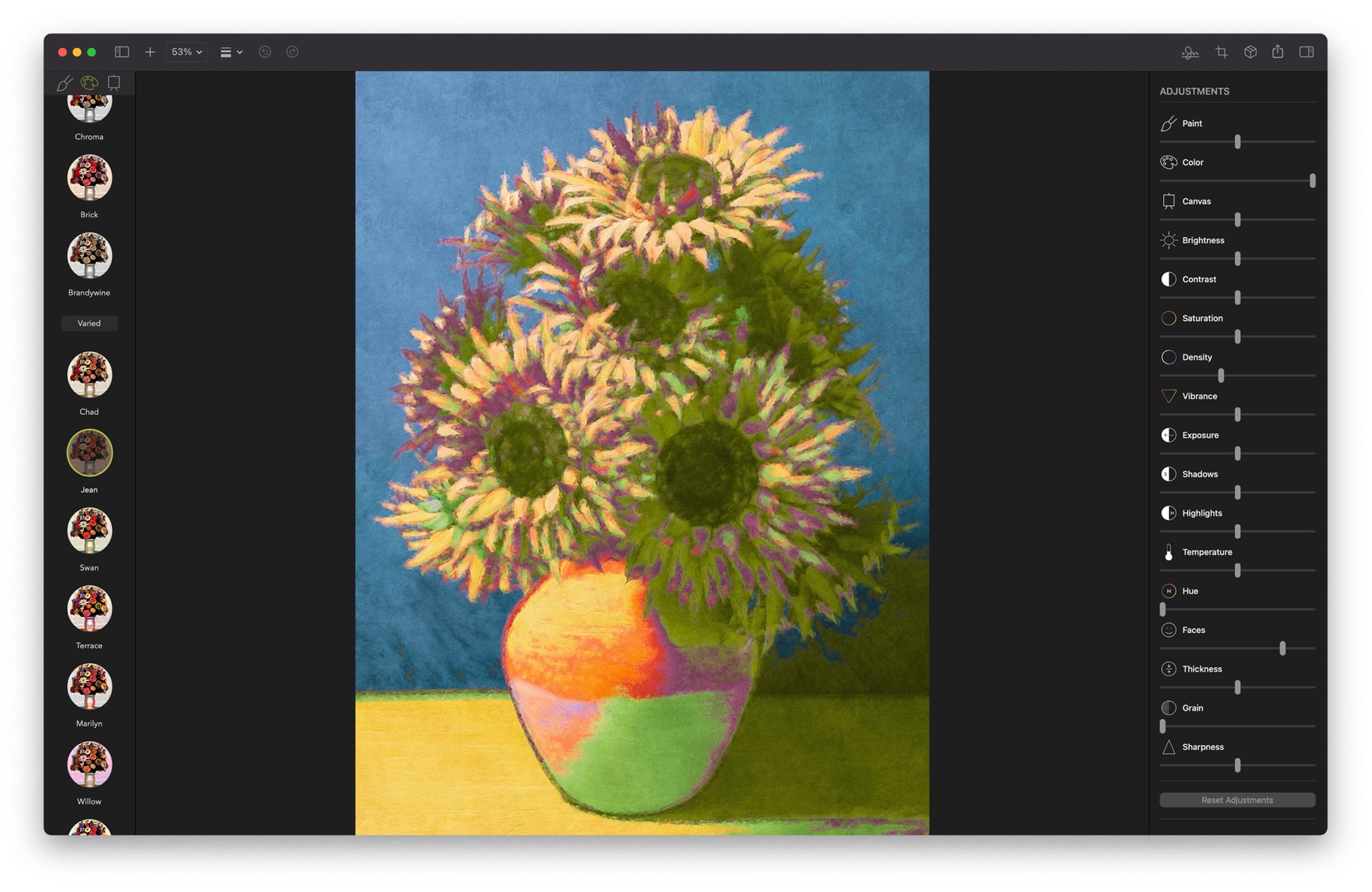
Palettes with a pedigree.
Each style was crafted to feel like a real medium, not a filter. Pair it with one of over 70 color palettes inspired by famous artwork, and mood and color are applied to your painting in a single tap.
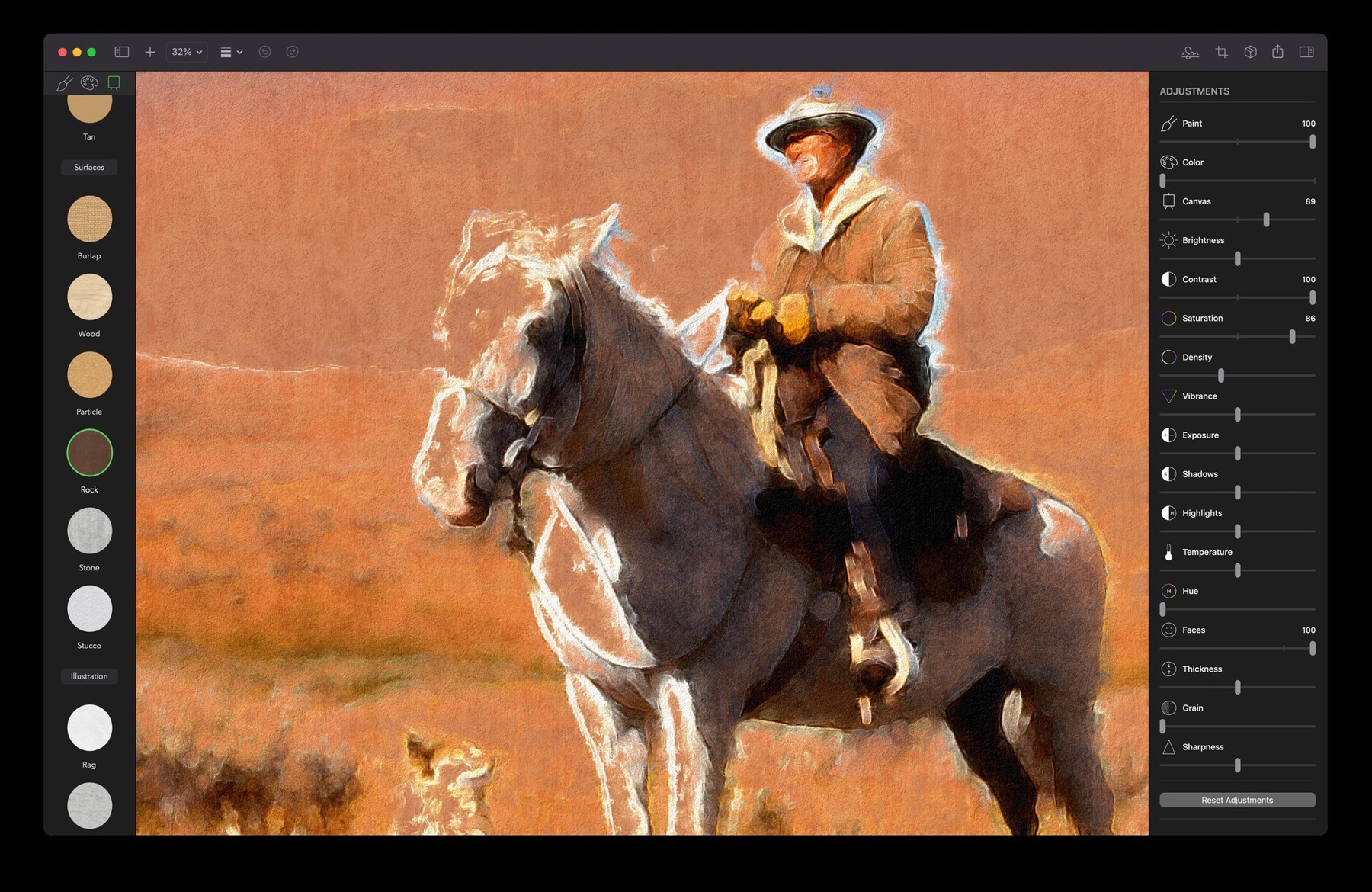
Painted on a real surface.
Choose from more than 30 canvases and surfaces, from paper to wood to stone, each modeled realistically in 3D. Paint pools, absorbs, and changes density with the surface’s weave and texture, so an oil painting on rough canvas looks nothing like a watercolor on paper.
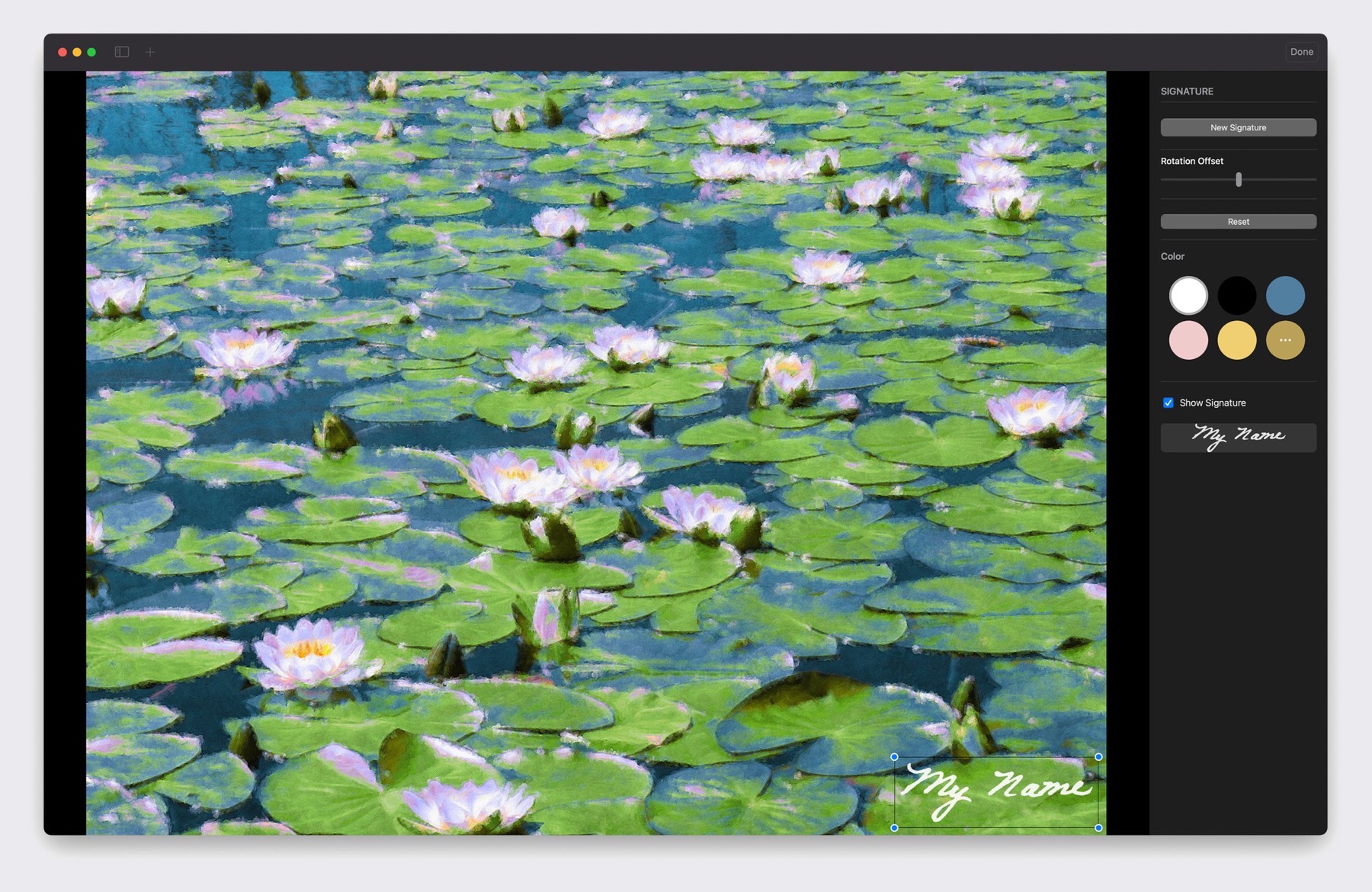
Sign it like you mean it.
Every masterpiece deserves a signature. Draw one in the app, or import your real-world signature from a photo, choose its color, and it’s realistically applied to your painting.
Oil, watercolor, and everything in between.
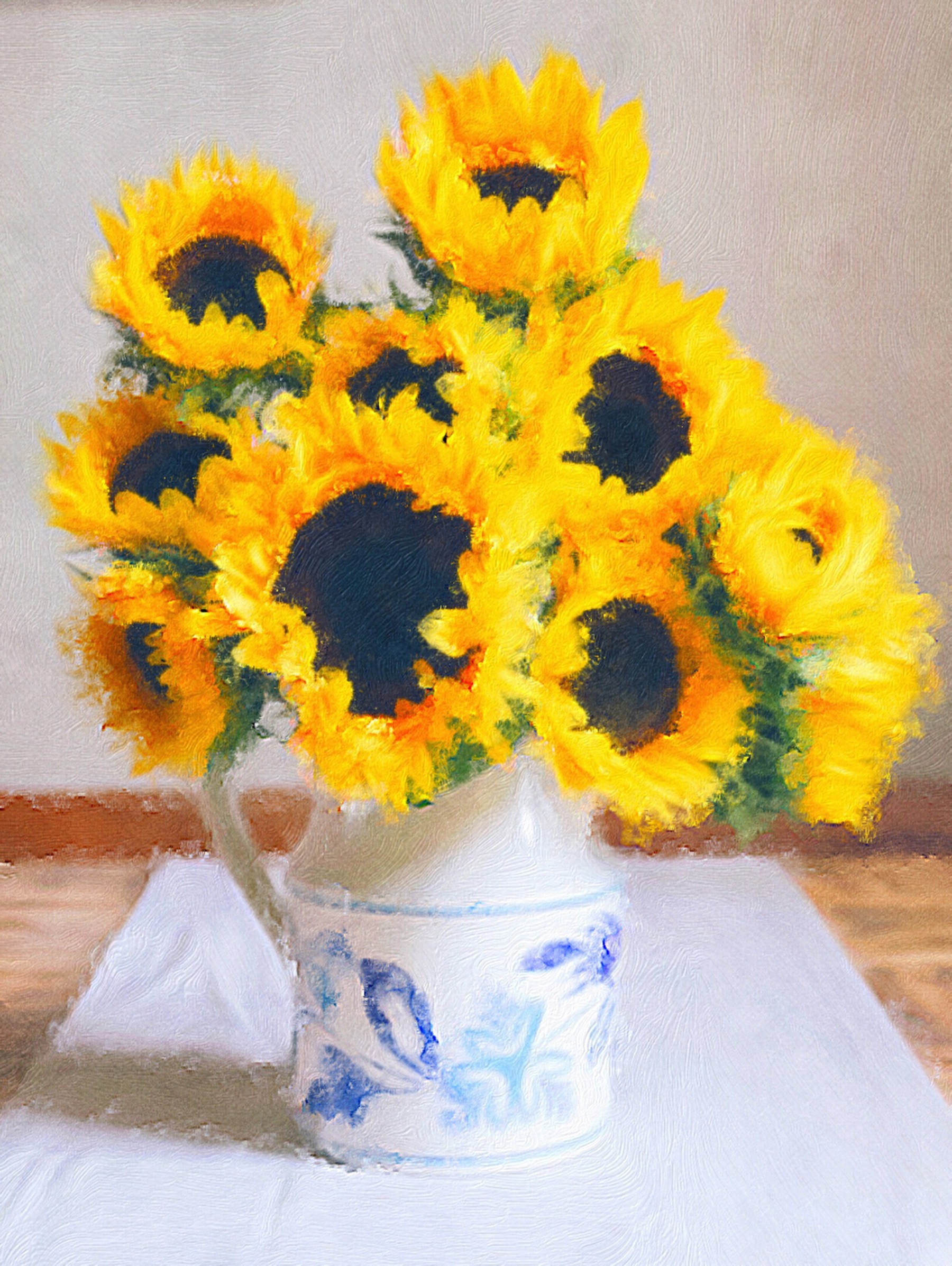
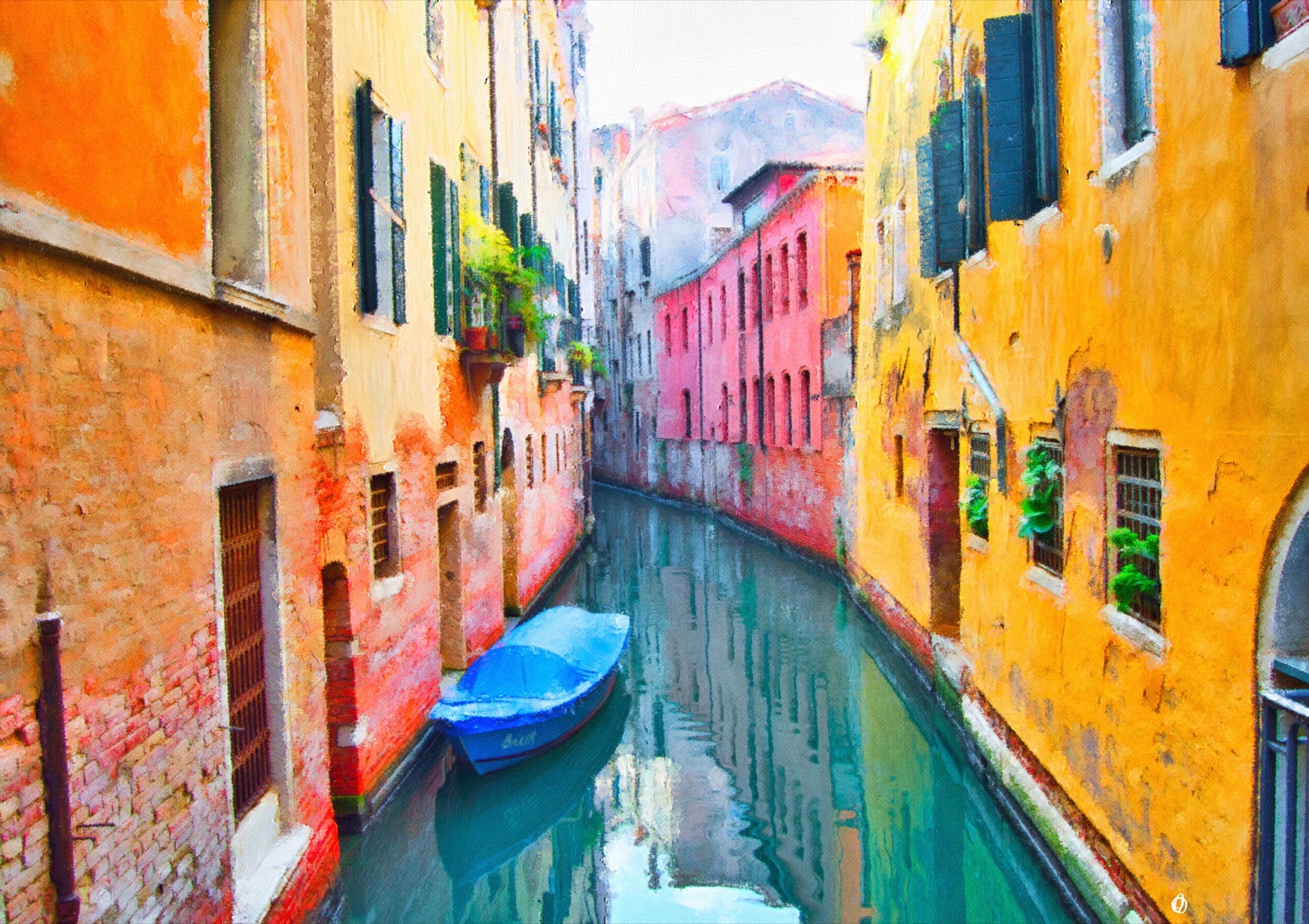
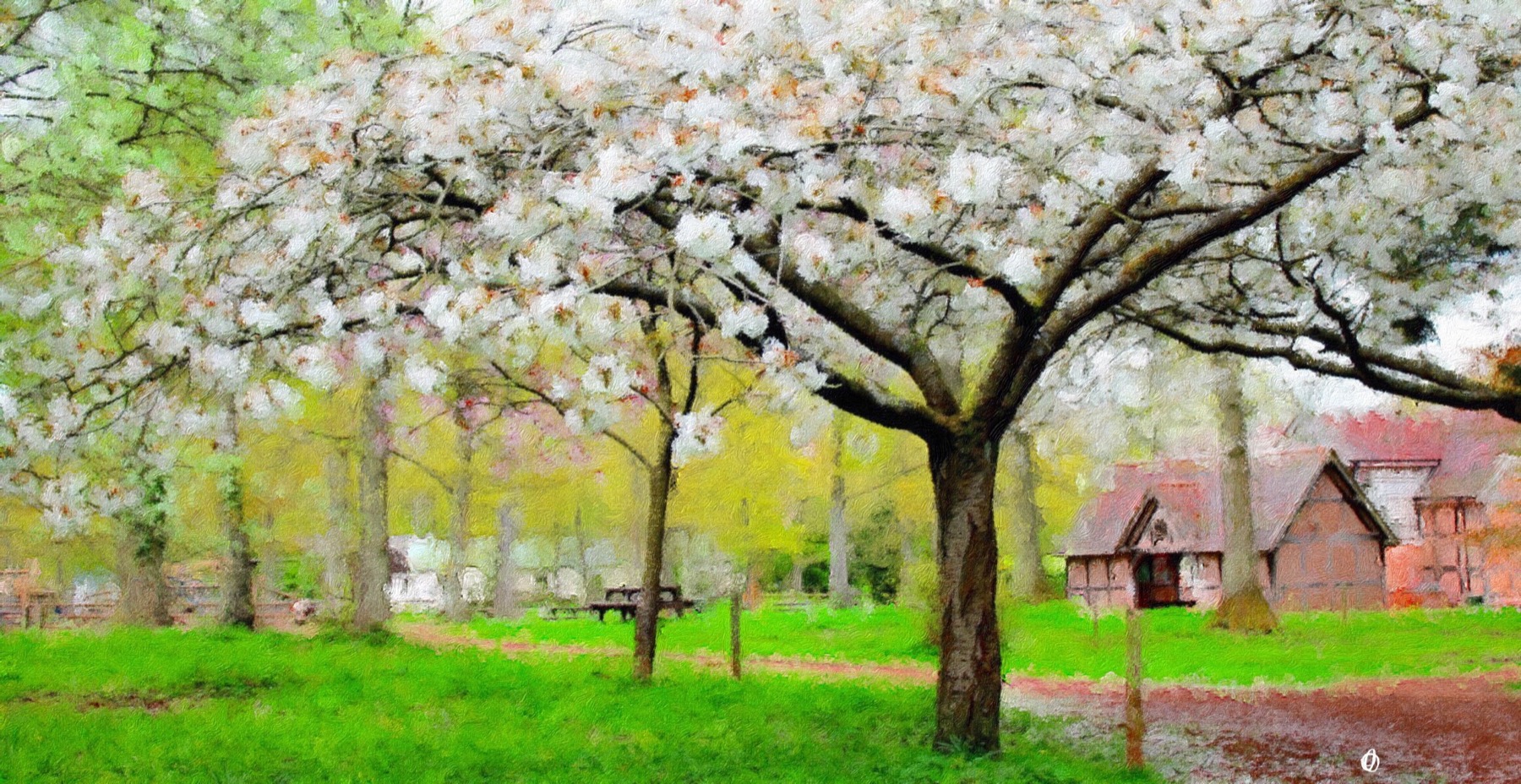
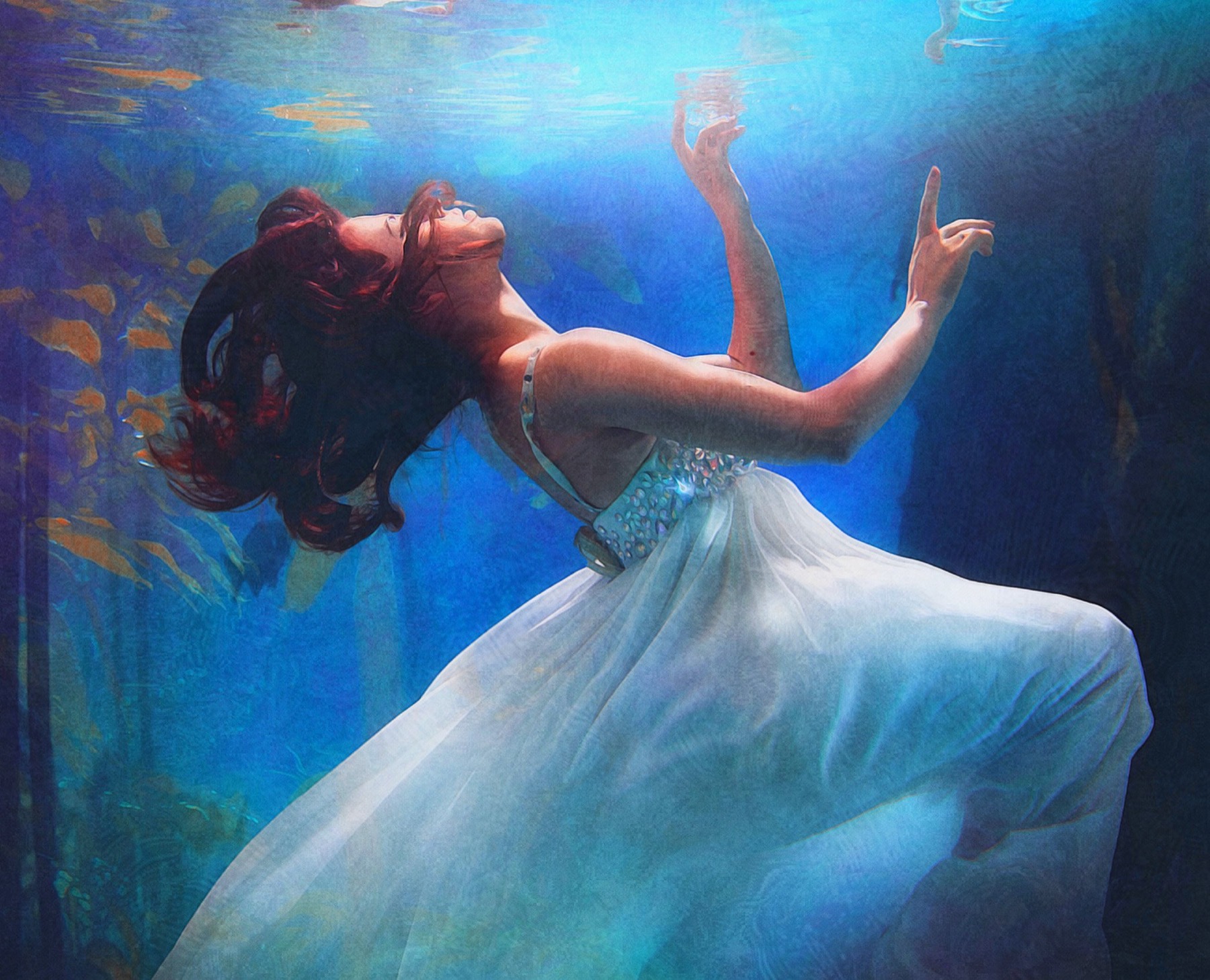
Style is a decision, and you have more than 90 of them. Lay down thick, confident strokes of oil and acrylic. Let watercolor washes soften the edges. Turn a photo into an illustration or a sketch, or reach for the experimental styles and create something entirely new. The same photo becomes a dozen different paintings — here are a few.


Videos become paintings, too.
Video Paintings transform your videos into moving works of art at up to 4K resolution. Film a wave, a busy street, a birthday candle — every frame is painted in the style you chose, ready to share.
Which Brushstroke is right for you?
All three turn photos into paintings in a tap. Brushstroke is the photo to painting app for iPhone and iPad; Brushstroke Pro adds high-resolution detail, saved projects, signatures, and professional adjustments on iPad and Mac.
iPhone & iPad
Brushstroke
Free to download, with a free trial
- One-touch photo to painting
- 90+ styles, 70+ color palettes, 30+ 3D-modeled canvases
- Video Paintings up to 4K
- Sign, share, and order canvas prints
iPad
Brushstroke Pro for iPad
Available on the App Store
- Improved detail and visual fidelity for high-resolution art
- Optimized for the latest iPads and iPad Pro
- Professional adjustments and real-world signatures
- Save projects and share them with the Mac via iCloud
Mac
Brushstroke Pro for Mac
Available on the Mac App Store · free 7-day trial
- The full Pro feature set with high-resolution output
- Made for macOS: Photos integration, Apple silicon, film-quality video
- Professional adjustments, signatures, and prints
- Save projects and share them with iPad via iCloud

Make it real.
Get your masterpiece shipped to your door. We’ve teamed up with Canvaspop to provide the best quality canvas prints available: choose a canvas, framed print or poster, pick a frame and size, and it arrives ready to hang. Thousands of happy customers and a 100% “Love It” guarantee — love your print, or you’ll get a reprint or your money back.
Common questions.
Is Brushstroke free?
Brushstroke is free to download, with a free trial, so you can paint your own photos before you decide. It’s available on the App Store for iPhone and iPad.
Does it work on Mac?
Yes. Brushstroke Pro is the photo to painting app for Mac and iPad. It adds higher-resolution detail, saved projects and professional adjustments, and the Mac version has a free 7-day trial.
Can I turn a video into a painting?
Yes — Video Paintings transform your videos into moving works of art at up to 4K resolution, using the same styles, palettes, and canvases as your photos.
How large can I print my painting?
You can order your painting as a canvas, framed print or poster in a range of sizes, printed by Canvaspop and backed by a 100% “Love It” guarantee. For the largest prints, Brushstroke Pro’s high-resolution output keeps every stroke sharp.
Do my photos leave my device?
No. Everything runs directly on your device, and your photos and videos are never sent to a server for processing. See our privacy policy for the details.
Can I use my paintings commercially?
Yes. As long as you’re painting your own photos, your artwork is yours to use commercially. A mention of the app is always appreciated, but it’s not required. More in our common questions.
What’s the difference between Brushstroke and Brushstroke Pro?
Brushstroke is the one-tap photo to painting app for iPhone and iPad. Brushstroke Pro, for Mac and iPad, adds higher-resolution detail, saved projects shared between Mac and iPad via iCloud, and professional adjustments — with a free 7-day trial on the Mac. See the comparison.
Find out more.
Get Brushstroke for iPhone & iPad Get Brushstroke Pro for Mac Get Brushstroke Pro for iPad
Learn more about Brushstroke and Brushstroke Pro, or try Pro free on your Mac for 7 days.
Requirements
- Brushstroke requires iOS 13.0 or later. Compatible with iPhone, iPad, and iPod touch.
- Brushstroke Pro for Mac requires macOS 10.15 or later.
- Brushstroke Pro for iPad requires iPadOS 13 or later.
Support
We’re here to help. Visit our FAQ or just contact our support team with your questions.